Jekyll博客搭建(二) | 远程仓库配置
发表于 
作者
1 分钟阅读
Jekyll博客搭建(二) | 远程仓库配置
仓库创建
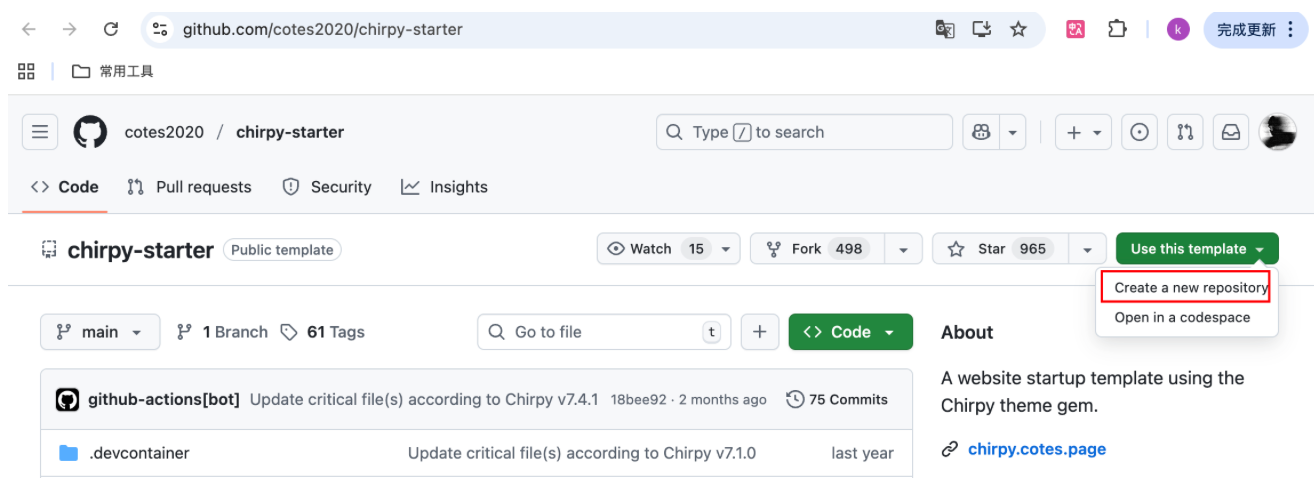
使用Chirpy主题作者创建的Chirpy Starter 模板创建一个新的 GitHub 仓库存储blog内容。
这个 tempalte 包含了blog所需的所有内容(Jekyll、Chirpy theme、GitHub Action 等)
Use this template -> Create a new repository
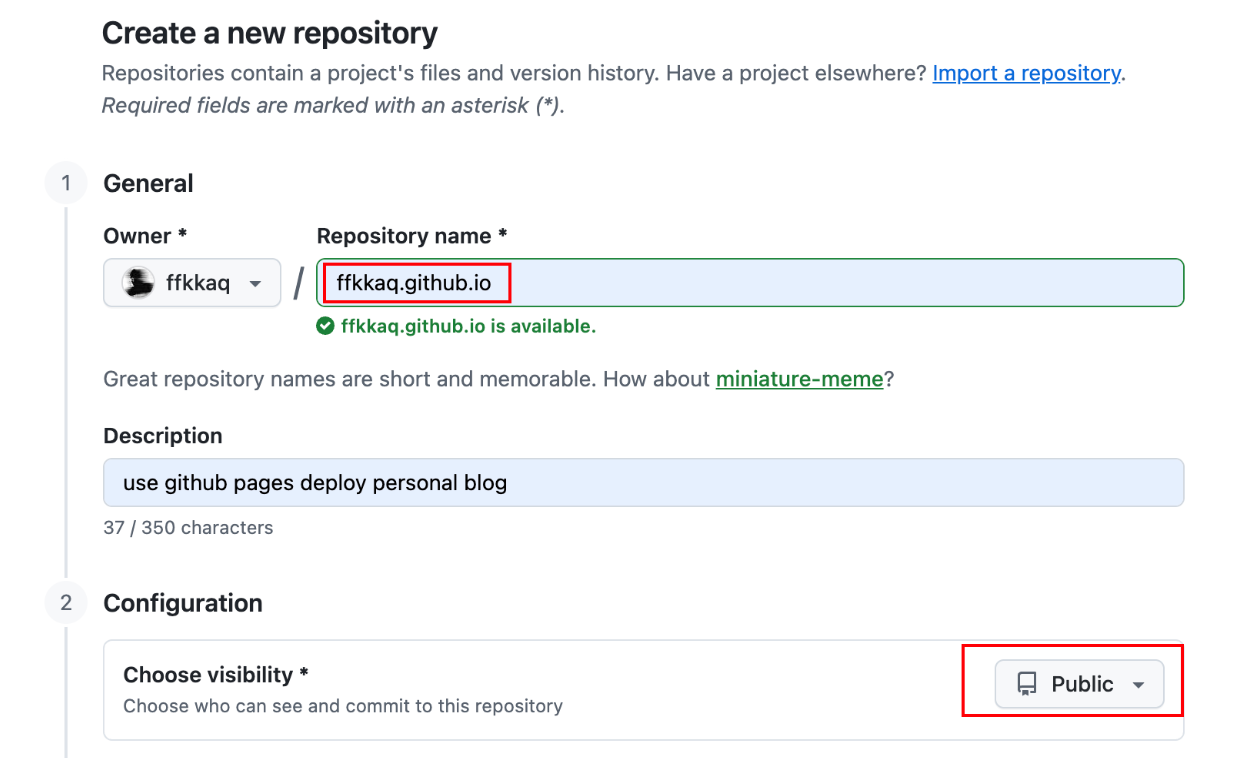
仓库名称为USERNAME.github.io,USERNAME使用自己的 GitHub 用户名
clone到本地
1
2
3
git clone https://github.com/ffkkaq/ffkkaq.github.io.git my-blog
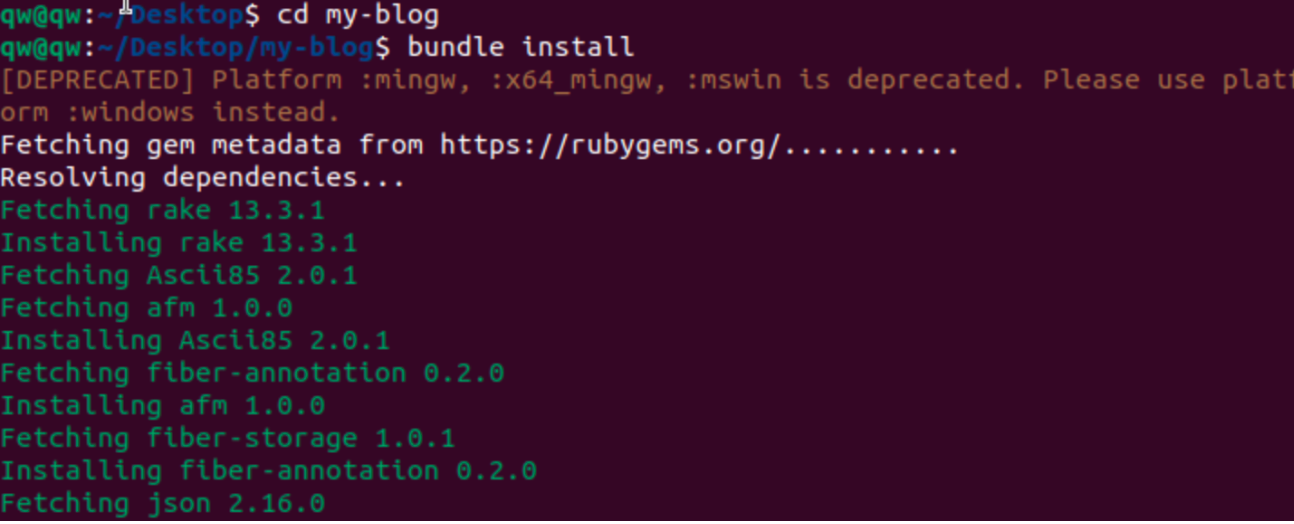
cd my-blog
bundle install  #安装Jekyll依赖项
1
bundle exec jekyll serve   #预览Jekyll网站
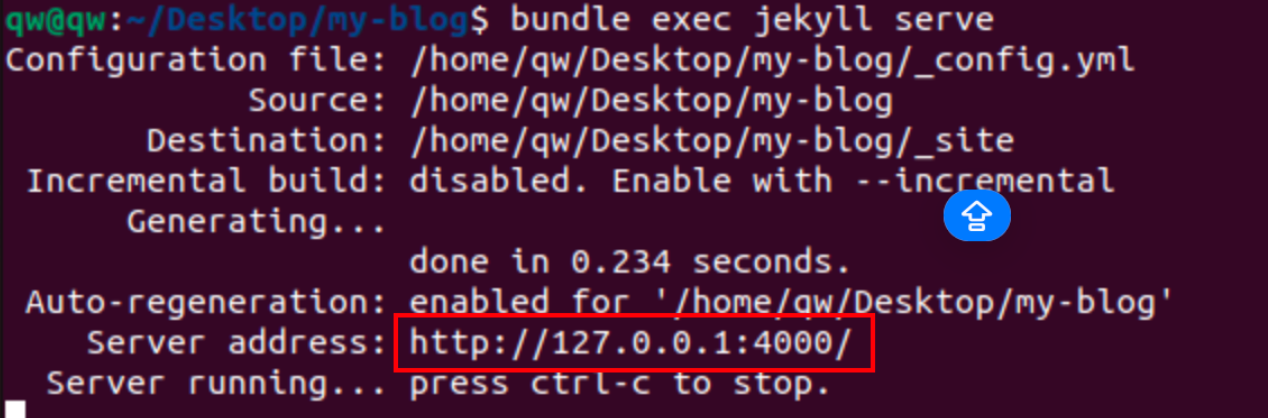
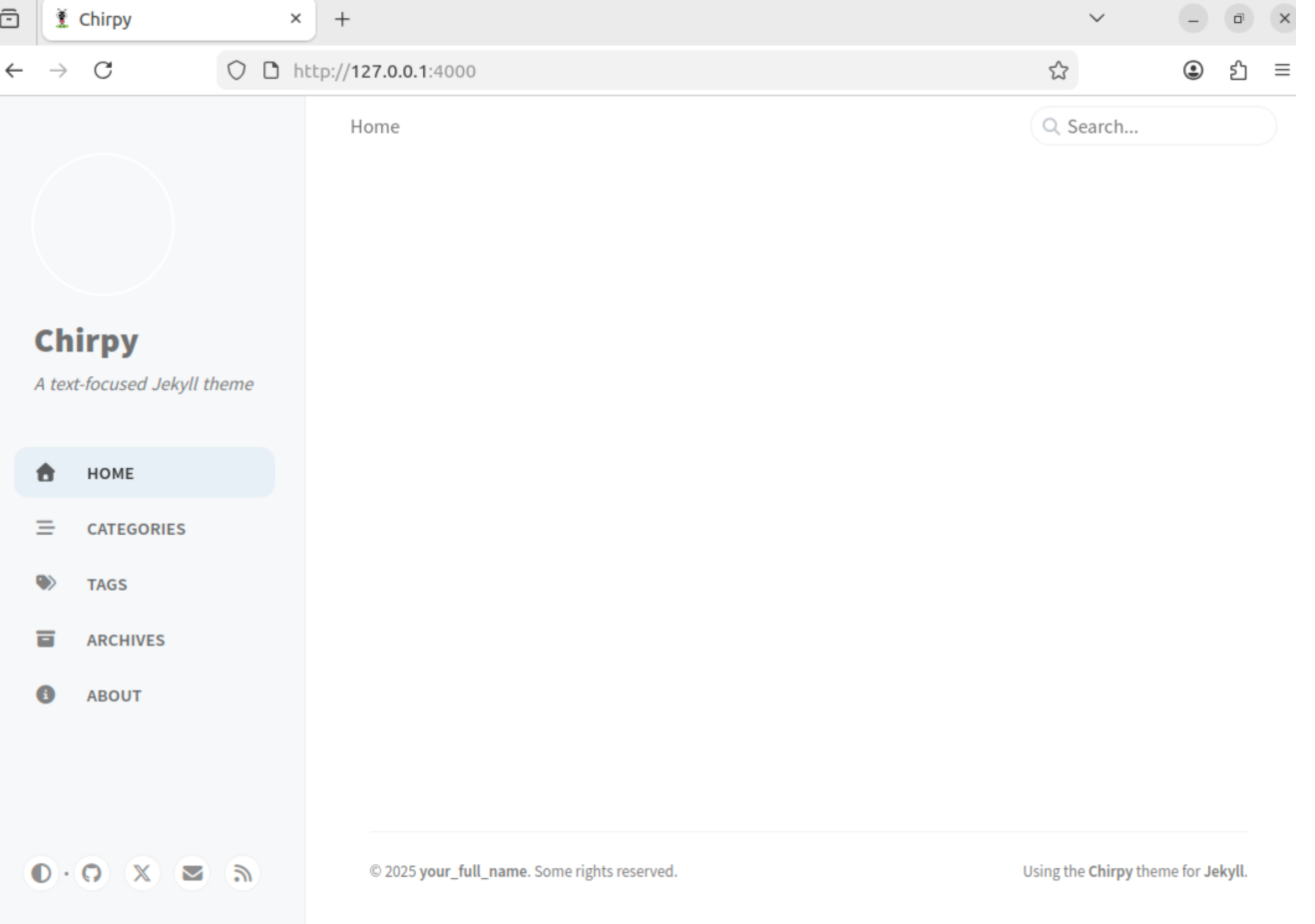
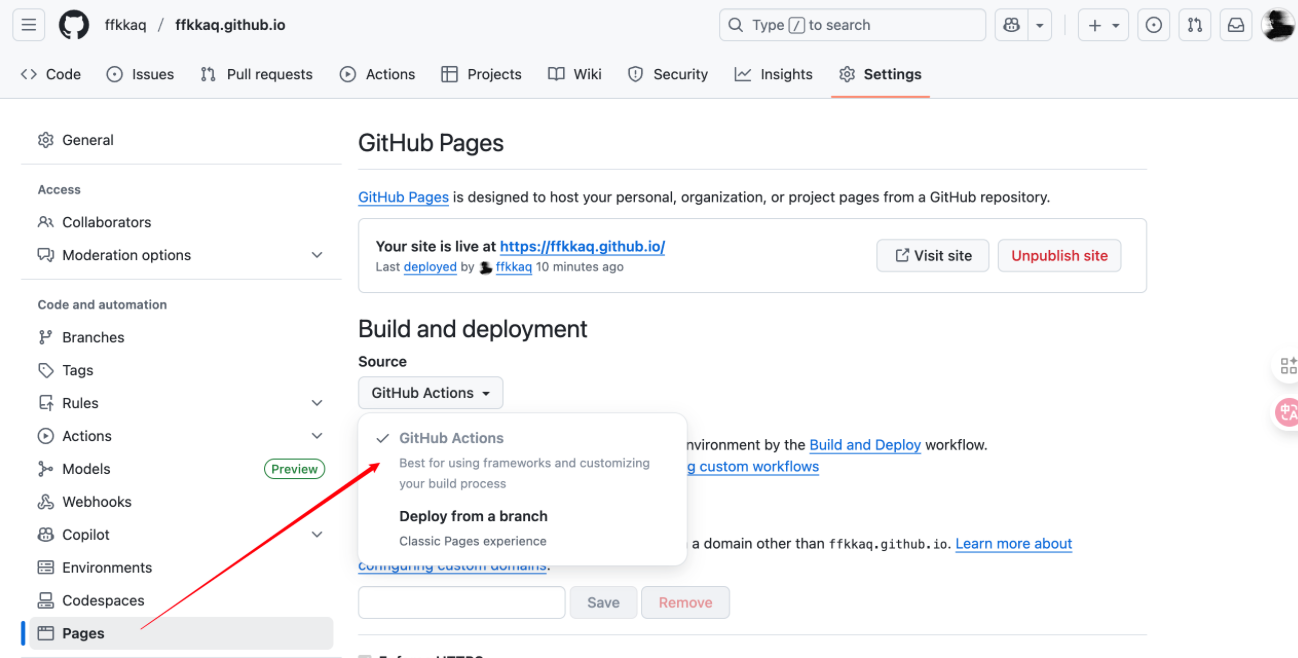
GitHub Pages
- 打开的 GitHub 仓库
Setting - 选择
Page选项栏 - 将
Build and Deploy修改为Github Action
本文由作者按照 CC BY 4.0 进行授权